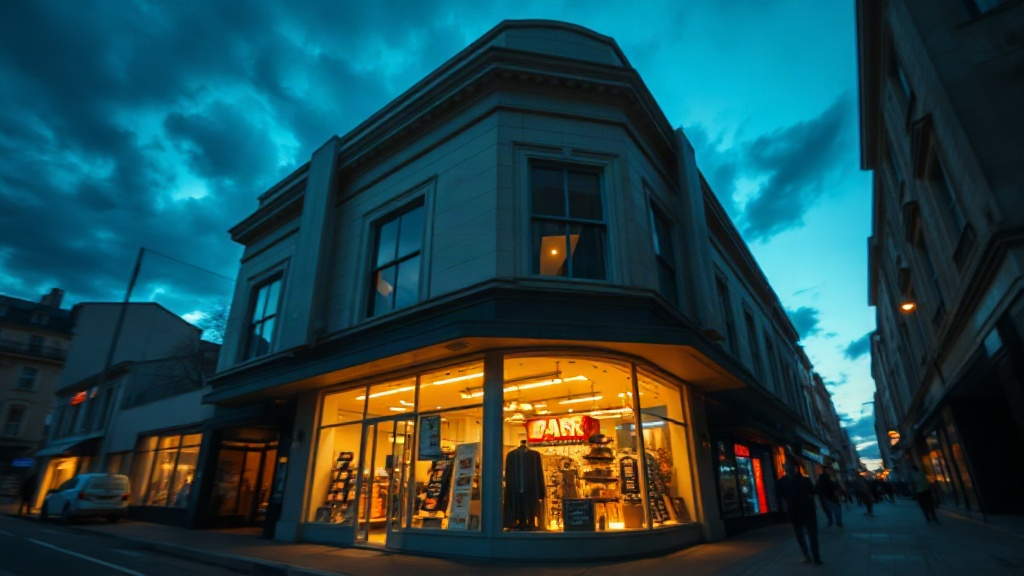
War room sectors
Six connected areas mirror the app: storefront, market intel, expansion, contracts, empire progress, and campaign settings.
-
01 / STOREFRONT
Storefront command
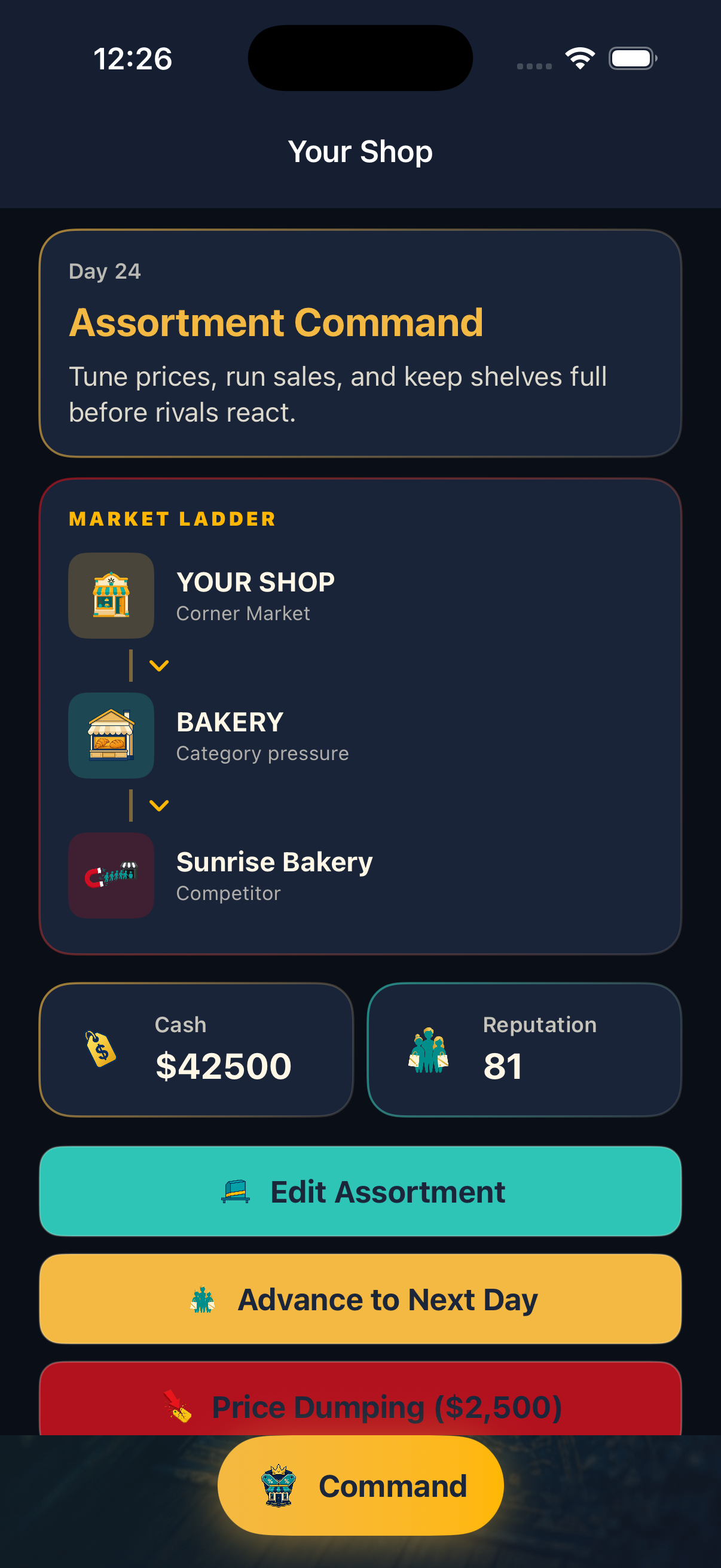
Curate assortment, tune prices, restock shelves, and watch daily revenue react to what you list and how aggressively you compete.
-
02 / MARKET
Market intel ladder
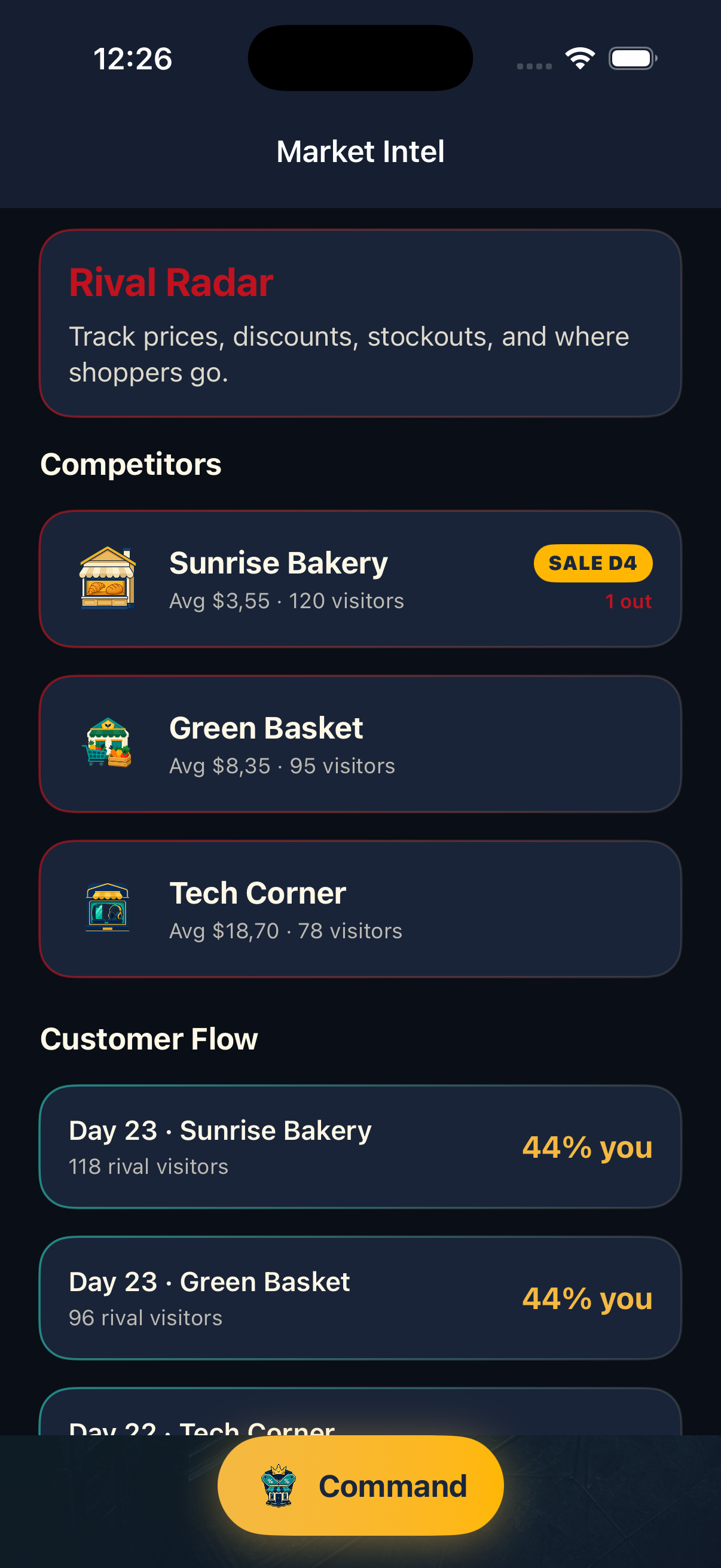
Study rival shops, foot traffic, and pricing moves before you launch price dumps or customer steals that shift loyalty.
-
03 / EMPIRE
Expansion and contracts
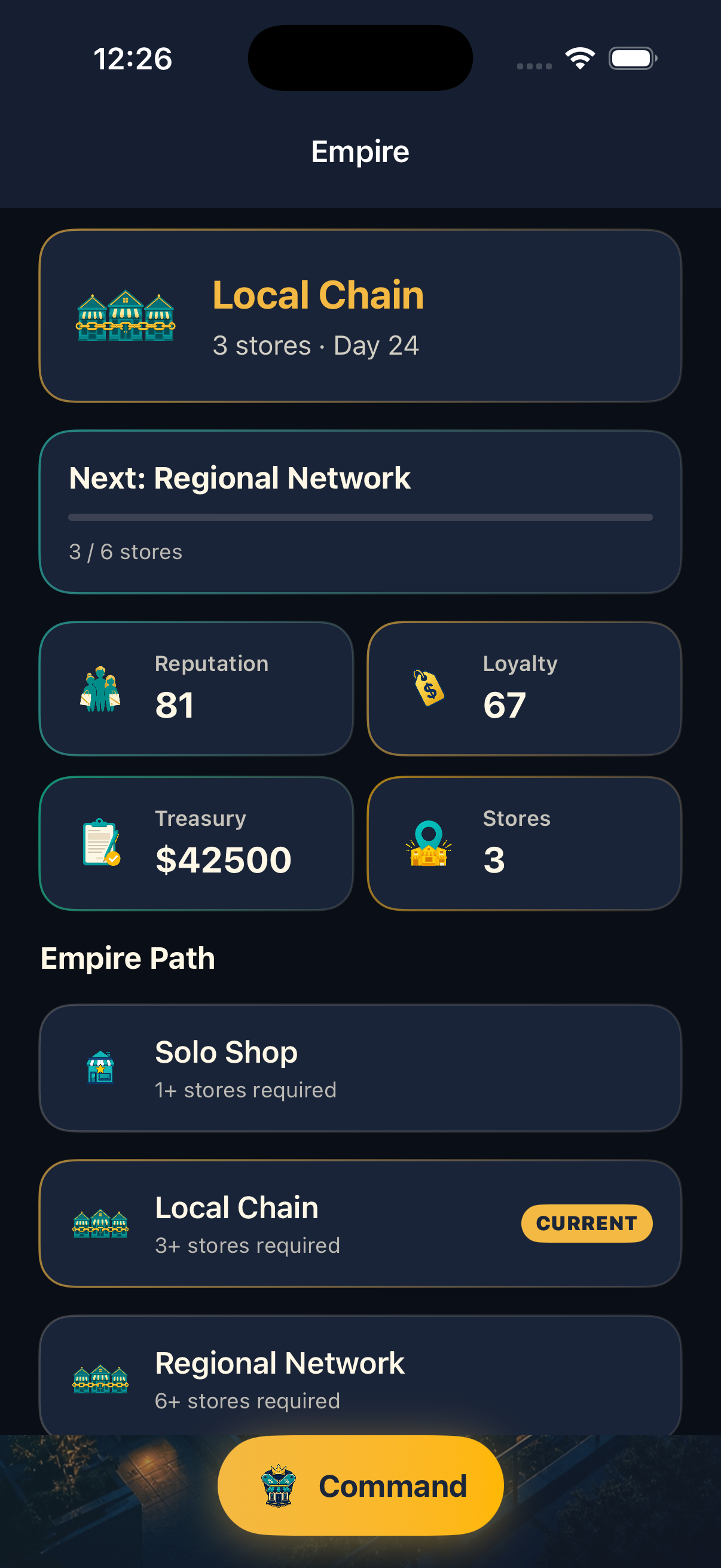
Open new locations when treasury allows, sign supply deals to lower unit costs, and climb empire tiers from solo shop to national corp.
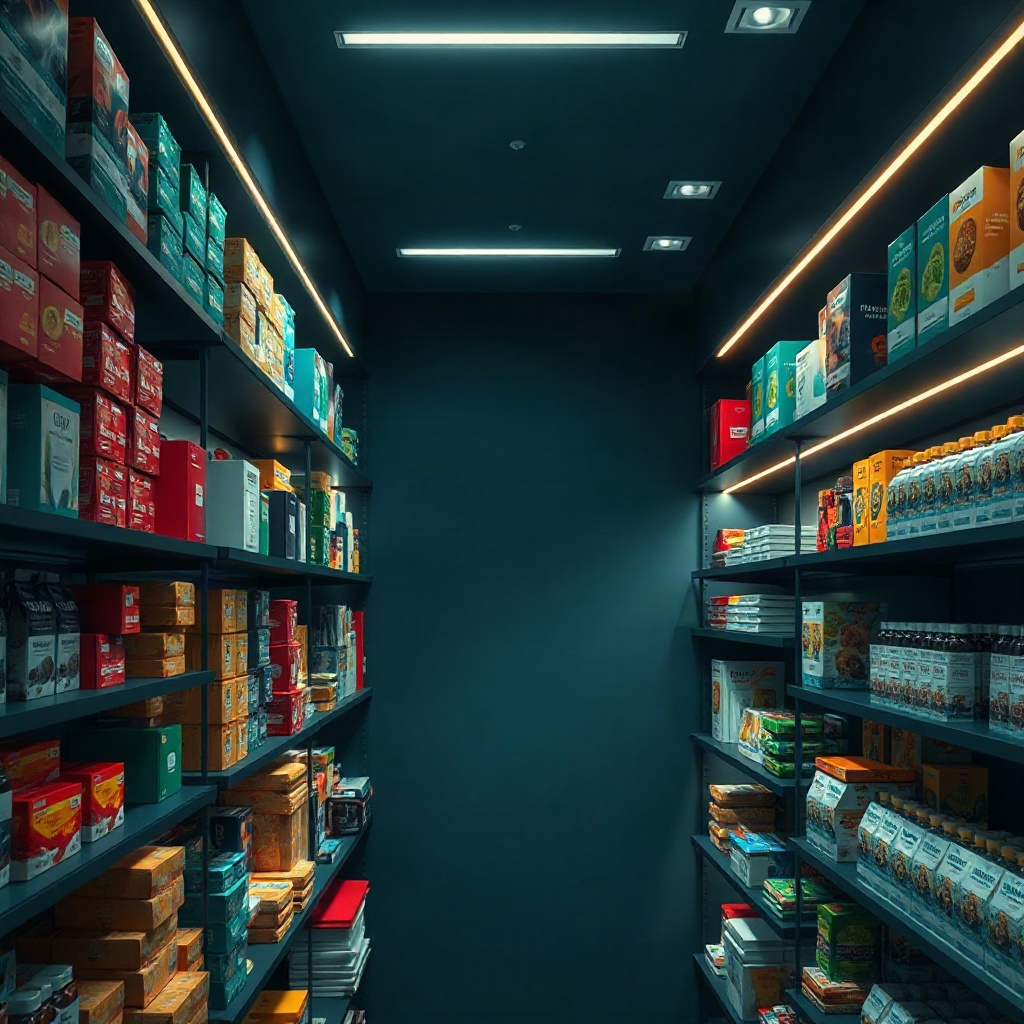
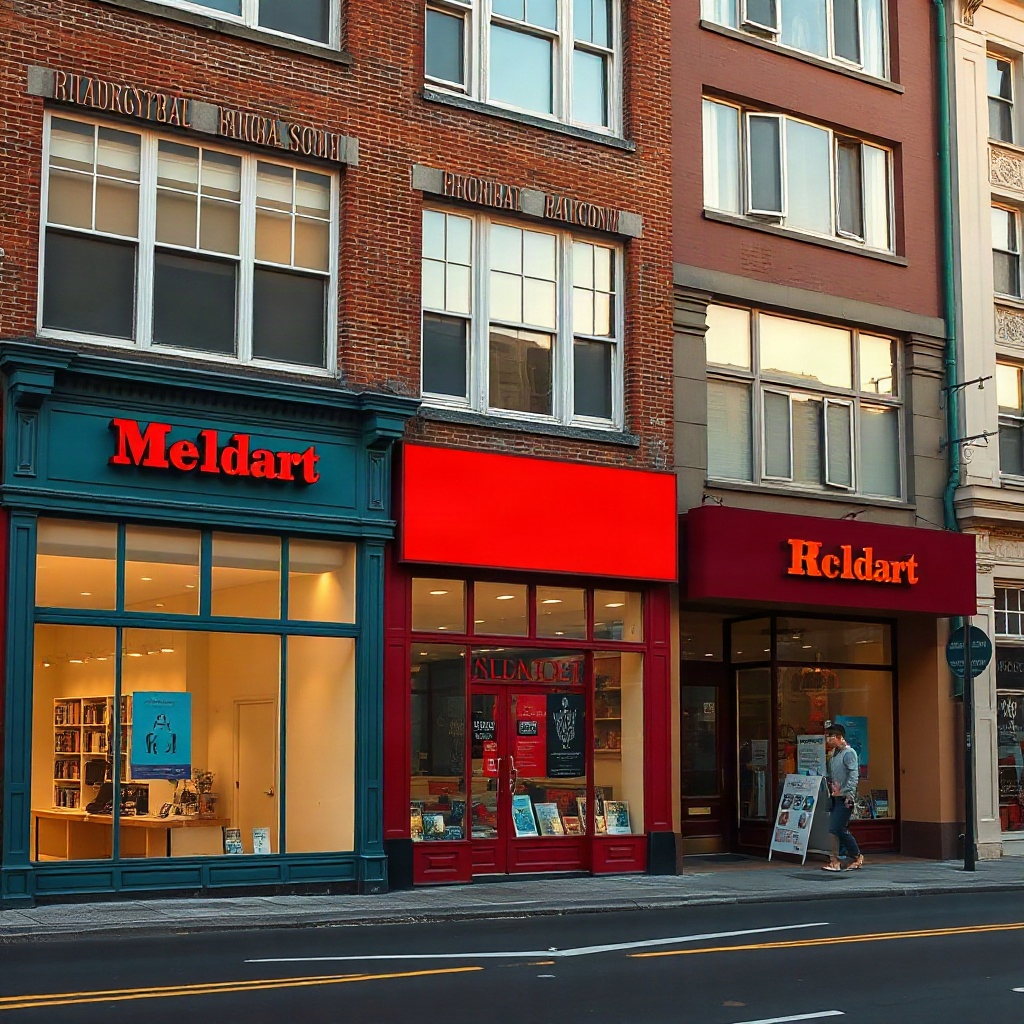

Inside the campaign
Actual in-app views from ShopWarZ — empire tier tracking, storefront hub, and market intel.
Privacy Policy
Last updated: October 9, 2026
ShopWarZ is a single-player retail strategy experience developed for iPhone and iPad. This policy explains what information the app handles when you use it.
Information you provide
If you choose optional brand tools, the app may access the photo library to attach product images, the camera to capture storefront photos, and the microphone to record short voice strategy notes. Those items stay on your device as part of your local campaign unless you delete them inside the app or remove the app.
Data stored on device
Game progress — including cash, day count, products, rivals, stores, and settings — is saved locally on your device using standard iOS storage. We do not operate a ShopWarZ account system and do not sync this progress to our servers.
What we do not collect
We do not sell personal information. The app is not designed to transmit your gameplay, photos, or voice notes to third-party analytics or advertising networks as part of normal use.
Children
ShopWarZ is intended for a general audience. If you are a parent or guardian and believe a child provided personal information through optional media features, contact us and we will help you remove locally stored content by uninstalling the app.
Changes
We may update this policy when the app changes. Continued use after updates means you accept the revised policy posted at this URL.
Support
Questions about ShopWarZ gameplay, saved progress, or permissions for photos, camera, or microphone? Email us and include your device model and iOS version so we can help faster.
Progress is stored only on your device. If you delete the app or reset campaign progress in settings, that data cannot be restored from our side because we do not host backups.
For App Store purchase or download issues, use Apple’s standard support channels in the App Store app.